Context
PlaySpace is an all-in-one platform helping mental health professionals deliver personalized care for clients. While preparing for broader market expansion, the platform needed more robust clinical documentation tools for practitioners in order to stay competitive and reduce the administrative burden on practitioners.
Role
Product Designer
TEAM
2 Product Managers
1 Developer
1 QA
2 Clinical Advisors
Duration
2 months
Skills
Product Design
UX Research
UI/UX Design
Prototyping
Impact
This project was part of a broader platform restructure to strengthen PlaySpace’s core features and prepare for growth. While I transitioned out of PlaySpace before seeing quantitative outcomes, I played a significant role in establishing the design processes that supported the end-to-end workflow.
Onboarded the product & dev teams to Figma
I organized all design iterations, feedback, and comprehensive design documentation for a smooth handoff to developers. This shared source of truth ensured we were not designing blindly.
Lead designs with real user data
I led weekly meetings with clinical advisors and regularly consulted the customer service team to validate designs with real workflows & pain points.
1 / 4
Multiple entry points for different workflows
We had identified two potential user types: practitioners using PlaySpace as their primary Electronic Health Record (EHR), and practitioners using PlaySpace alongside their own primary EHR. Because of this, I considered multiple entry points so our note-taking tool could adapt to fit different practices.
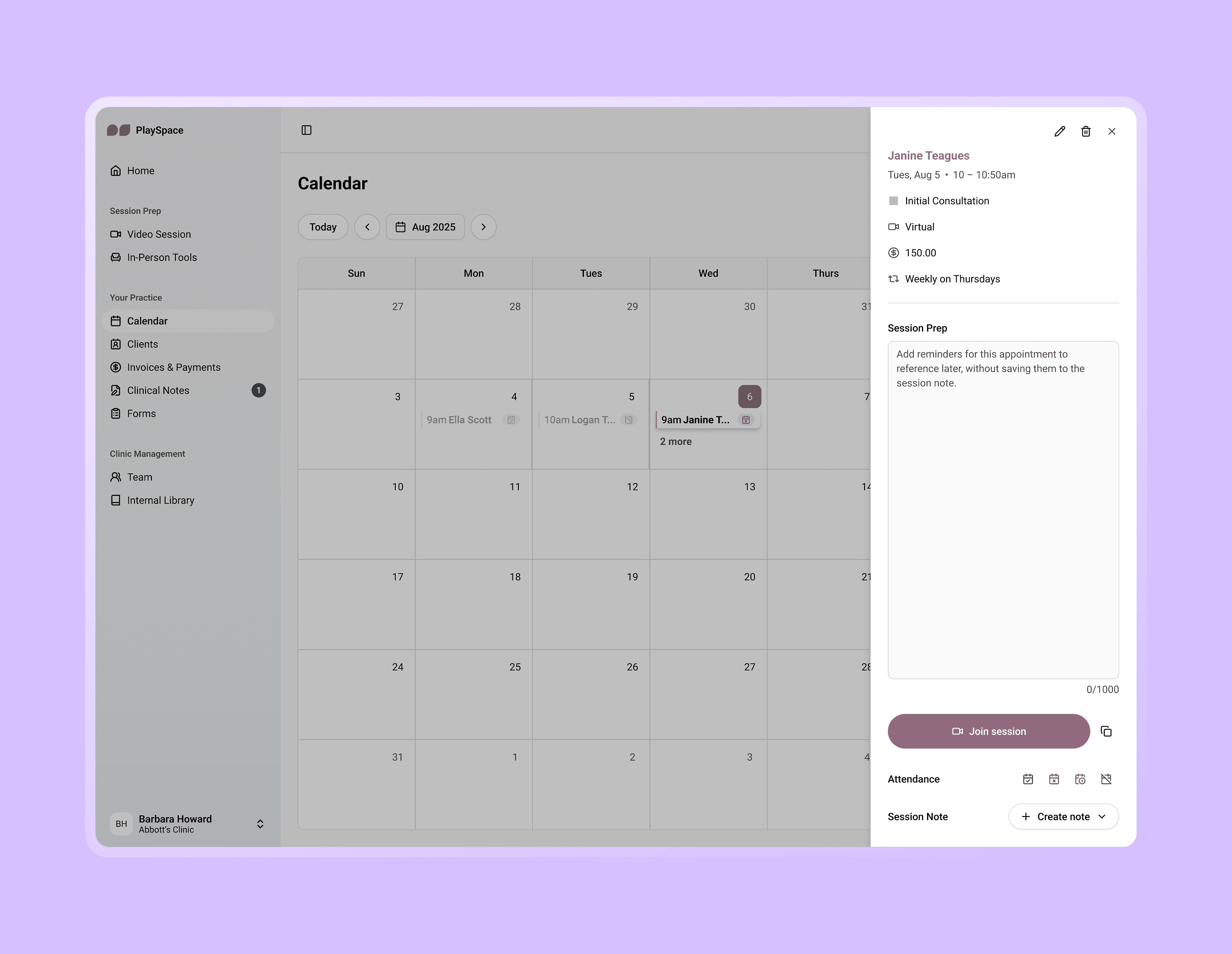
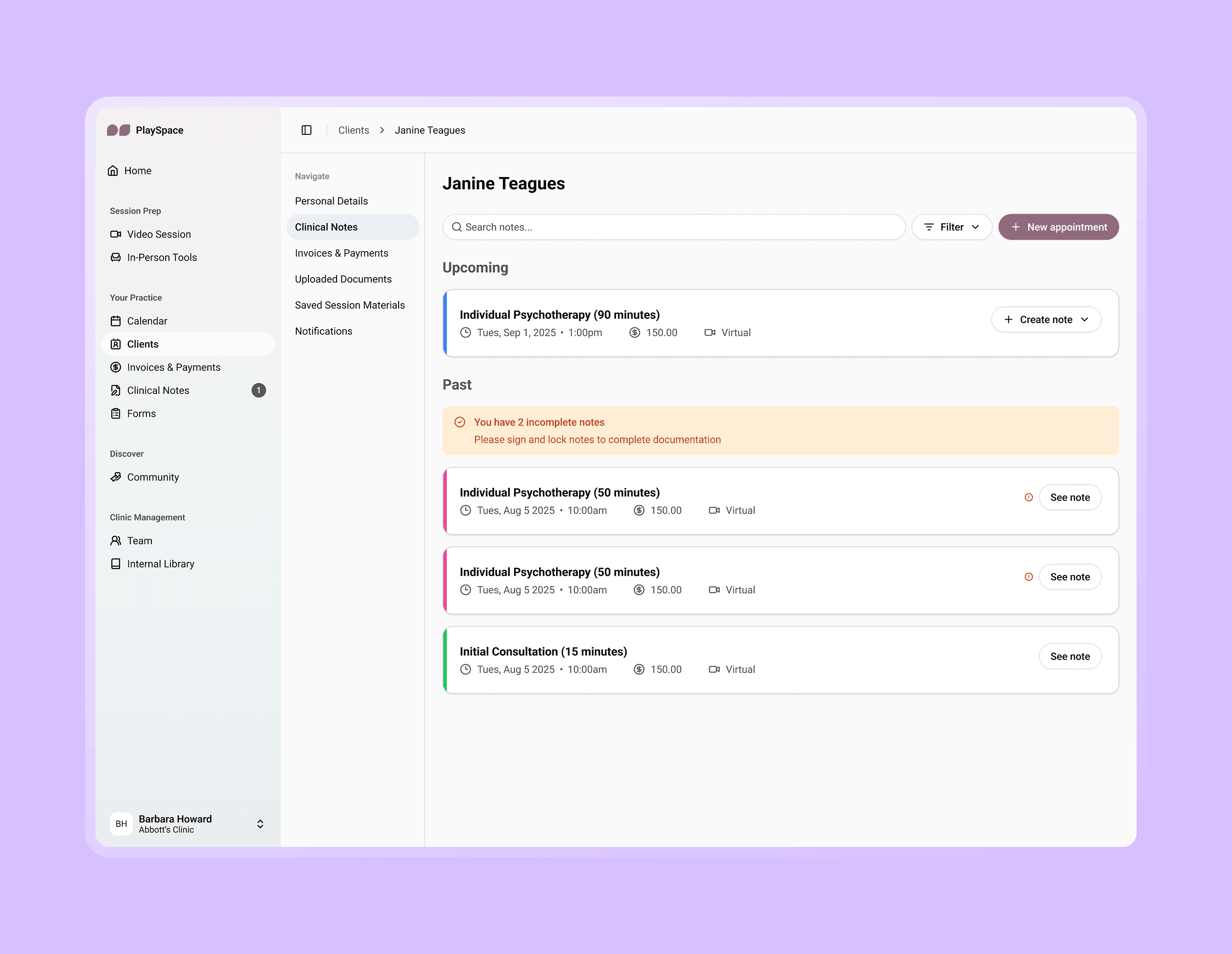
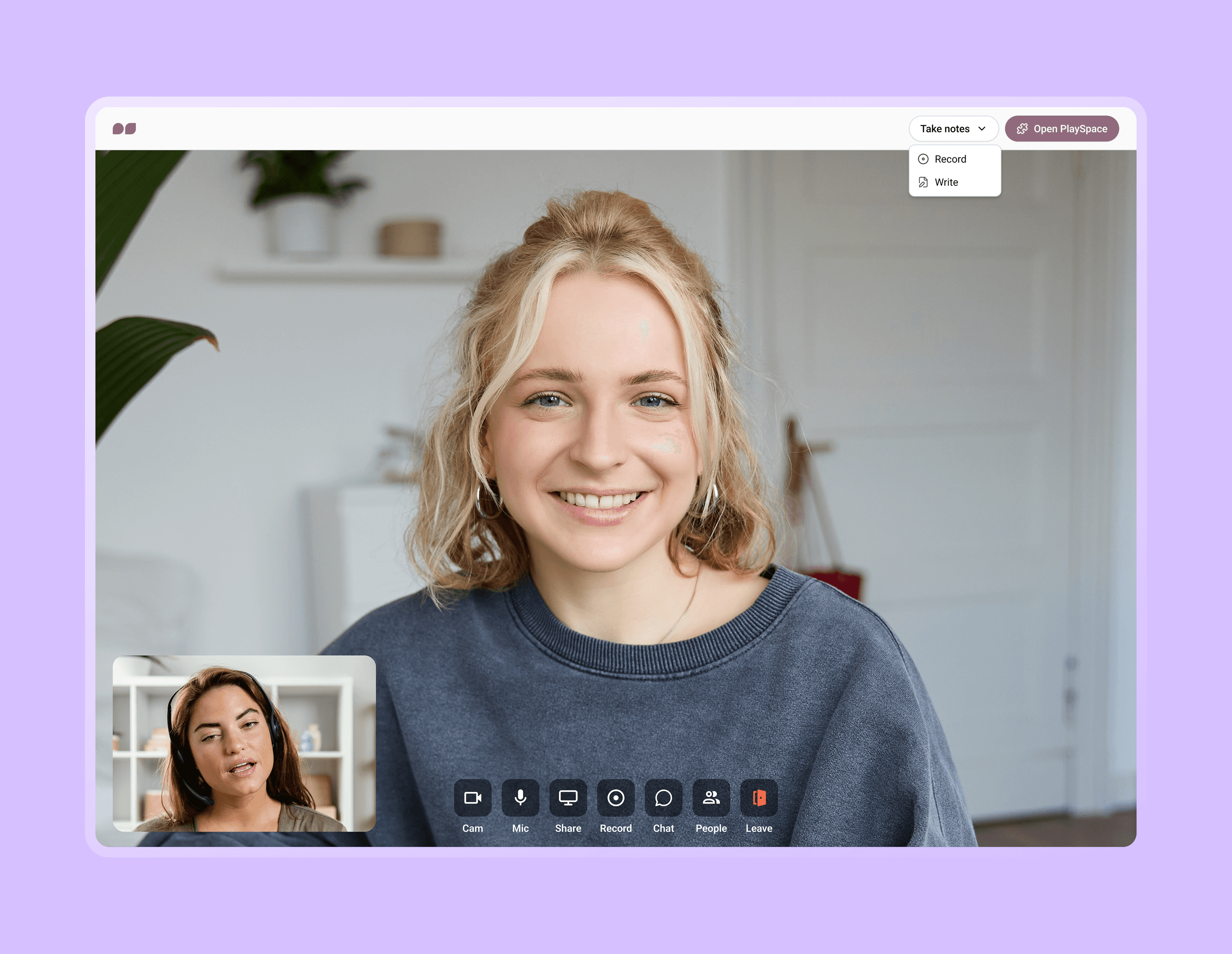
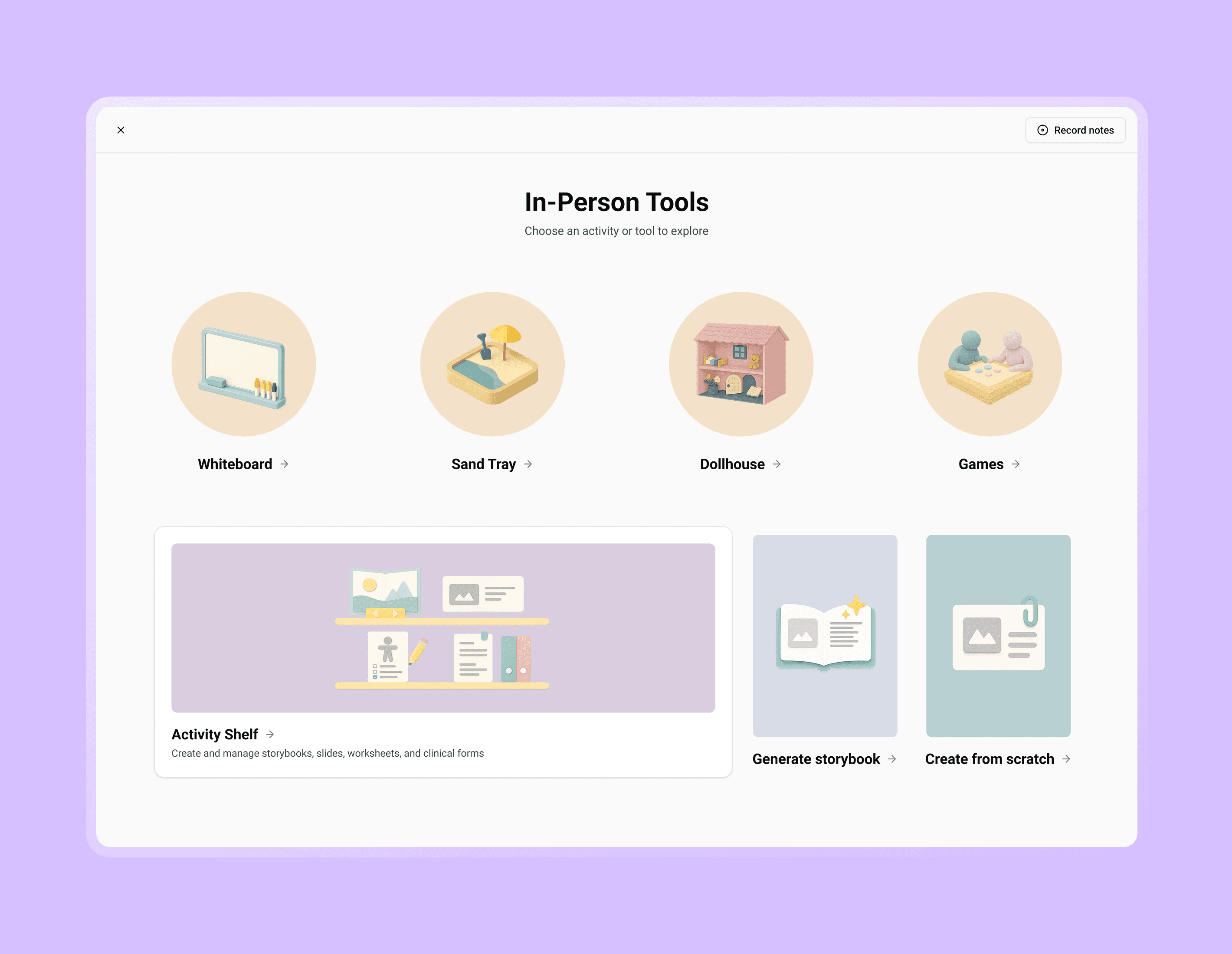
Images: Users could access the notetaker through calendar appointments, client profiles and in both video/in-person sessions.
2 / 4
Notetaking in virtual sessions
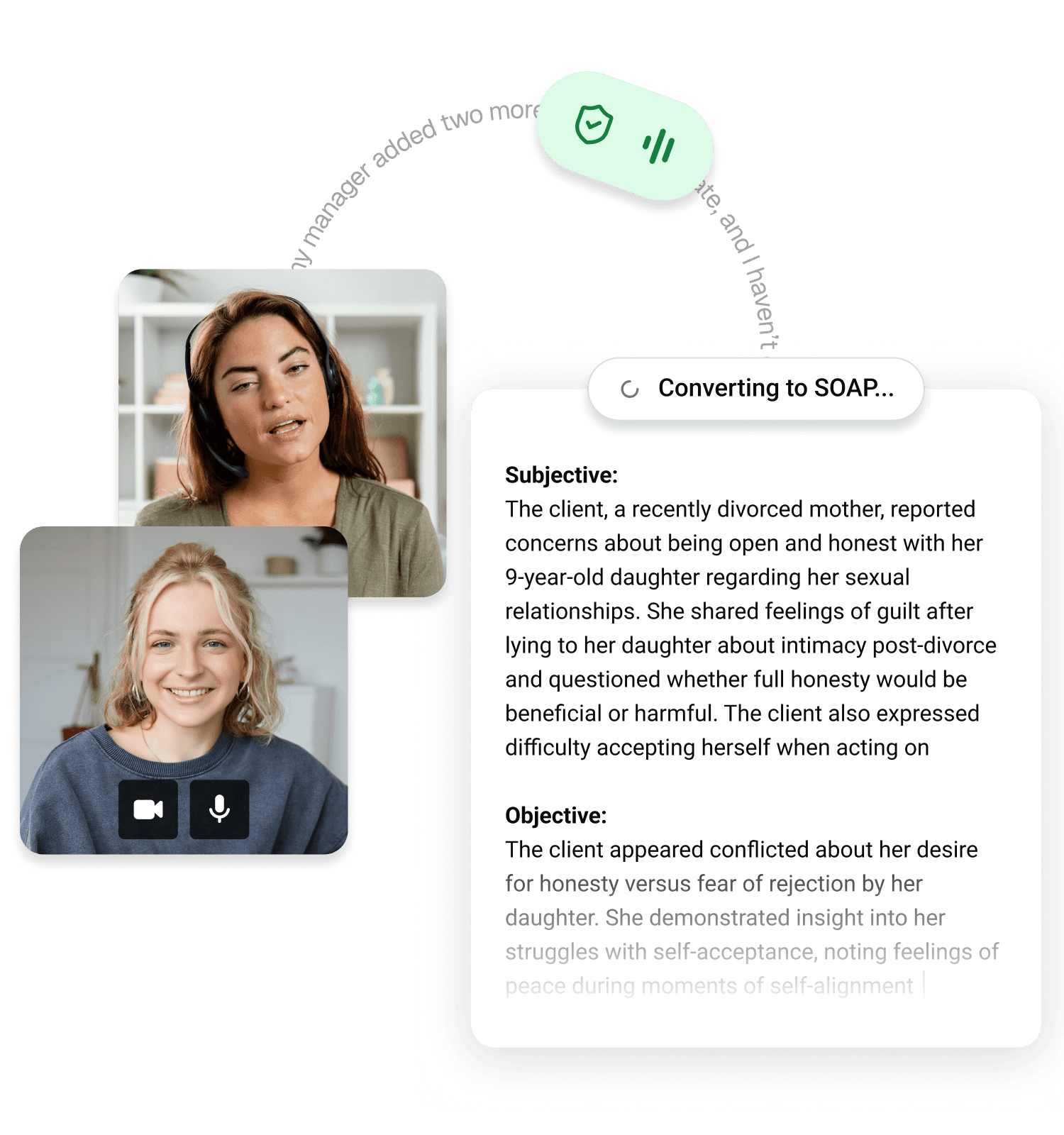
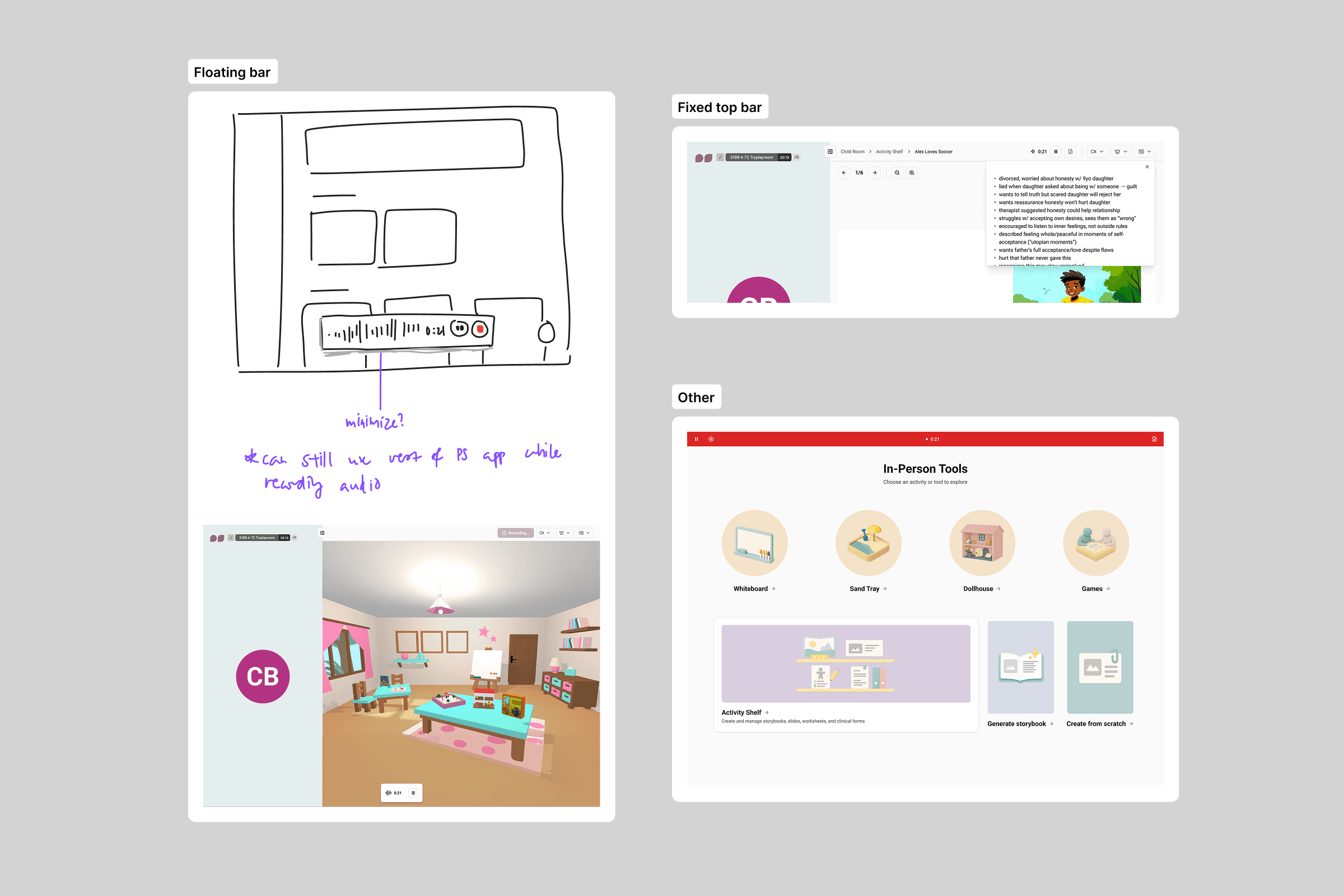
In a virtual session, practitioners can choose between taking notes without recording, or recording with quick notes — this choice gives practitioners a sense of true ownership over their notes.
Quick notes are intentionally designed to fit on the side of the video, ensuring uninterrupted access to the client's face and therapeutic tools.
Image: Practitioner using the recorded and manual notetaking tools in a video session.
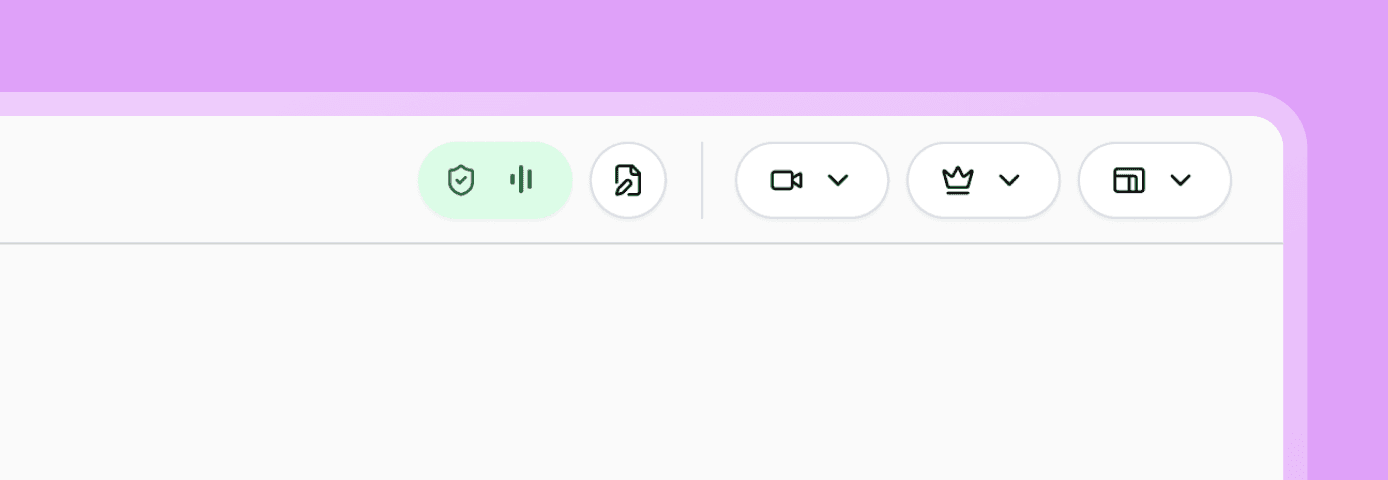
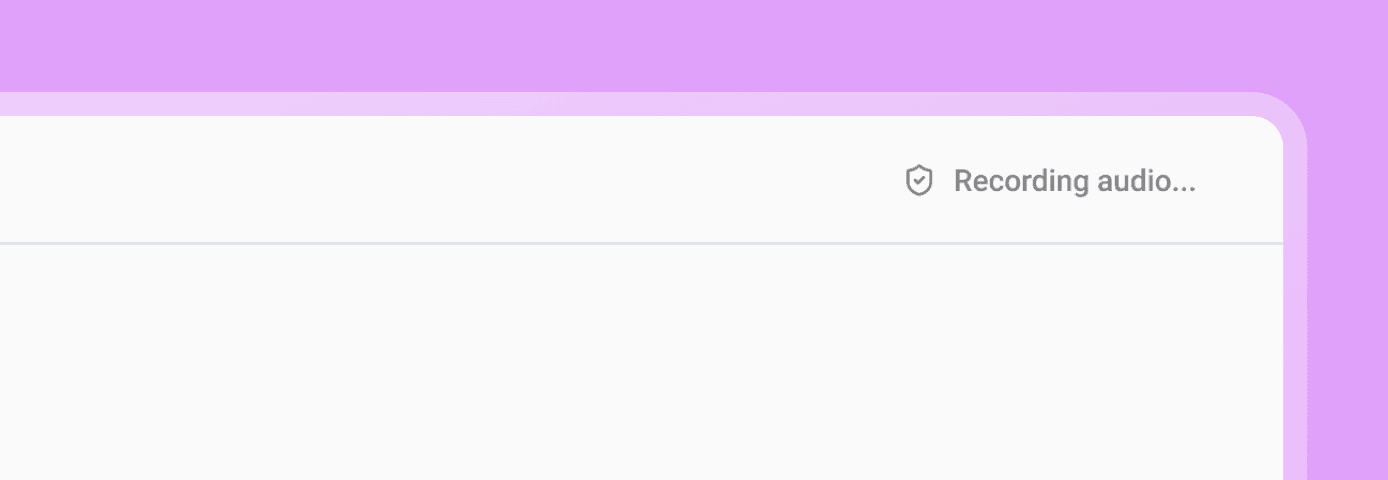
Image: During a recording, practitioners see a live indicator in the top bar while clients see a more subtle and honest status.
3 / 4
From session to official documentation
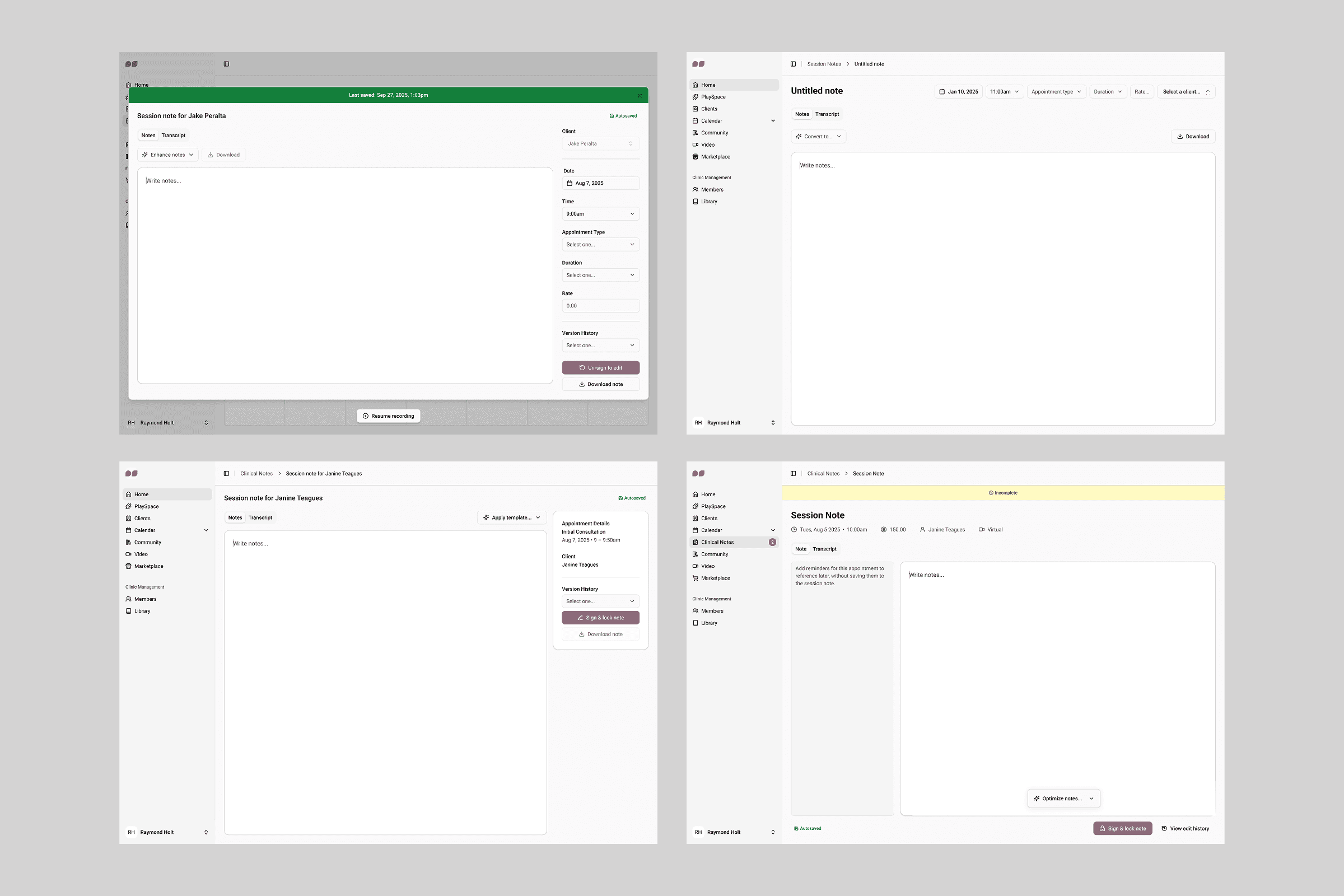
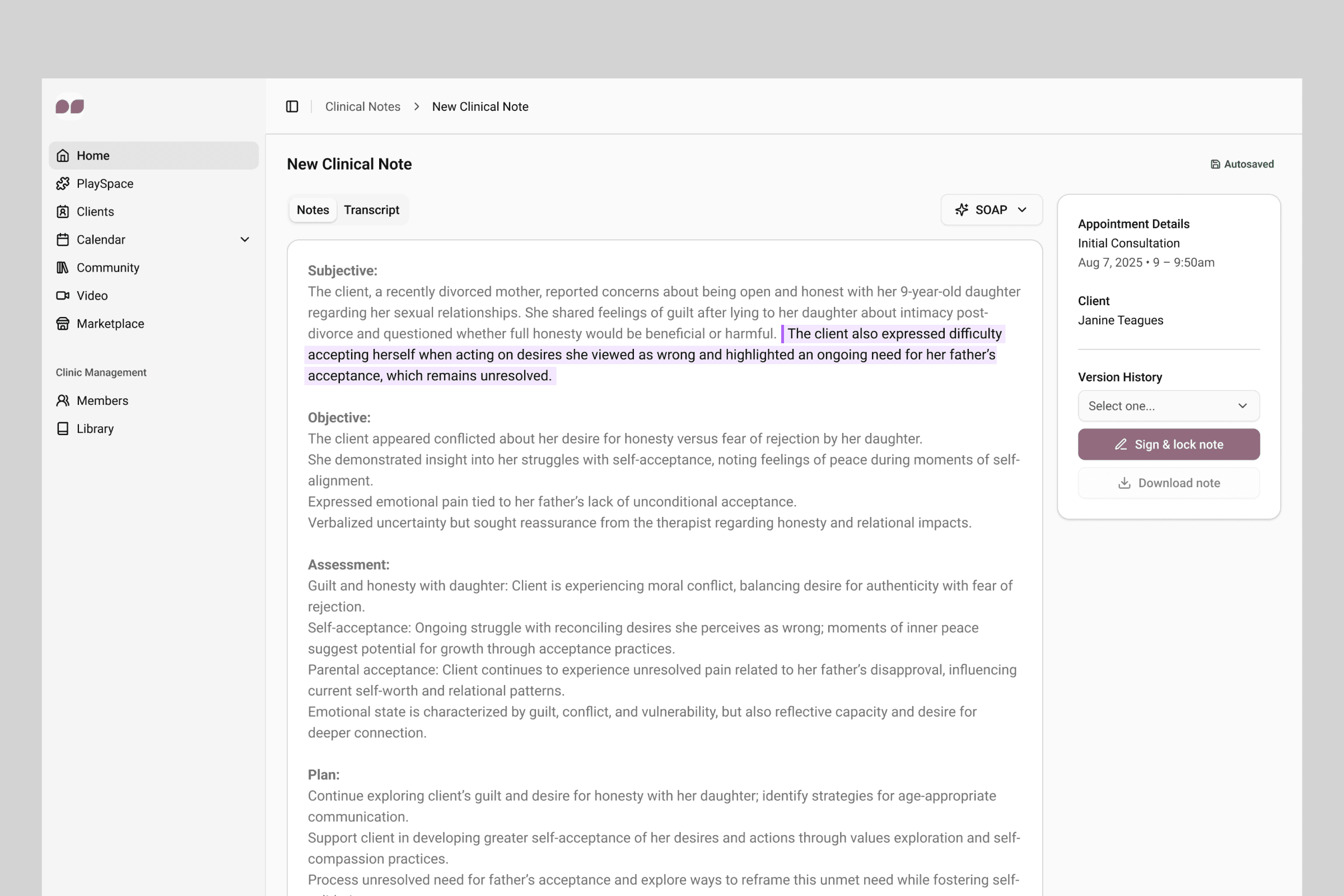
After the session, default templates are automatically applied to help practitioners complete the official session note, with relevant supporting documentation available on the side for reference.
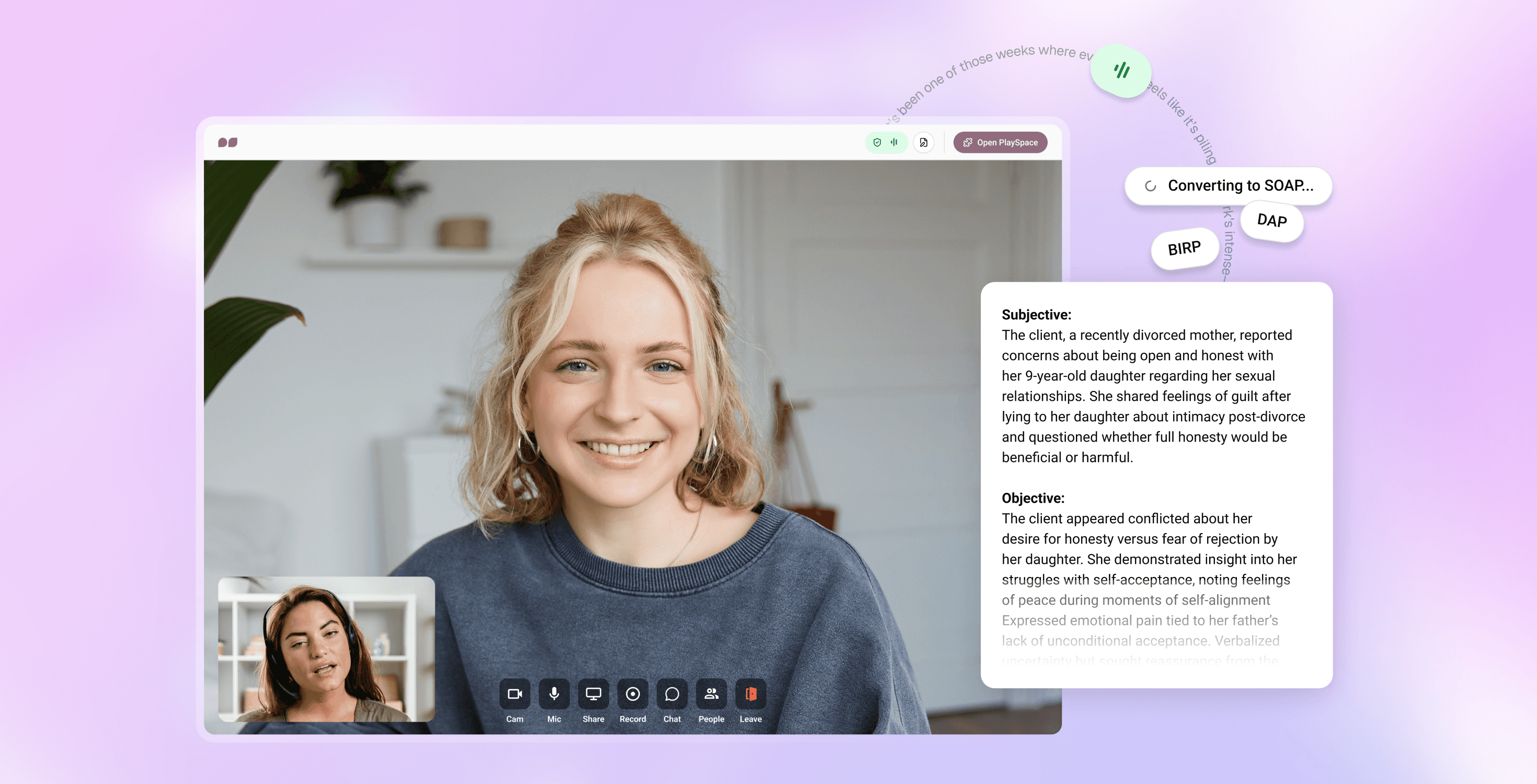
Industry standard templates (SOAP, DAP, BIRP) are also offered out of the box, with the option to create custom templates tailored to individual preferences.
Image: Note editor automatically filling out notes in a chosen template based on recorded transcript.
4 / 4
Signing & locking the official note
Incomplete session notes must be signed and locked with the practitioners’ signature, full name, credentials, and date and time.
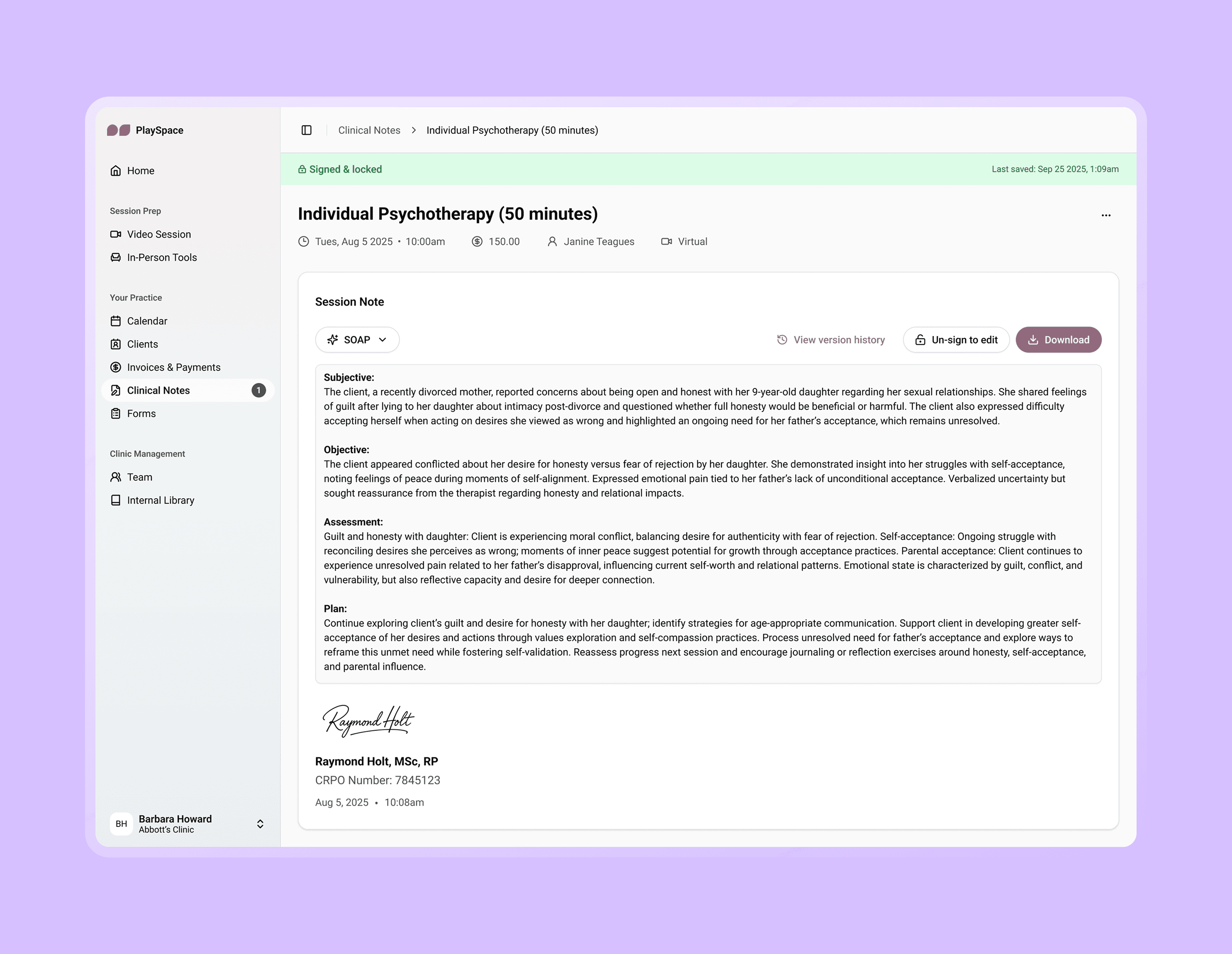
Image: A signed & locked note ready for official documentation.
Research & Discovery
Practitioners spend a significant amount of time on administrative work to prep for their sessions and clients. According to a product survey we sent out to 70 customers, 21.1% of respondents believed an AI-assisted notetaker would be helpful for their practice.
While navigating an ambiguous opportunity space with emerging technologies, I led the discovery work to help define the right scope and priorities for the challenge. There were the basic objectives that were outlined:
Support both in-person and virtual session recording without disrupting client care
Convert transcripts to clinical templates (SOAP, DAP, BIRP formats)
Ensure HIPAA compliance and legal documentation requirements
Over the course of several weeks, I conducted extensive research with the product team and facilitated regular user interviews with a practicing clinical advisor to understand:
Current documentation workflows and pain points
Legal and compliance requirements (HIPAA, consent, note retention)
Clinical template preferences and customization needs
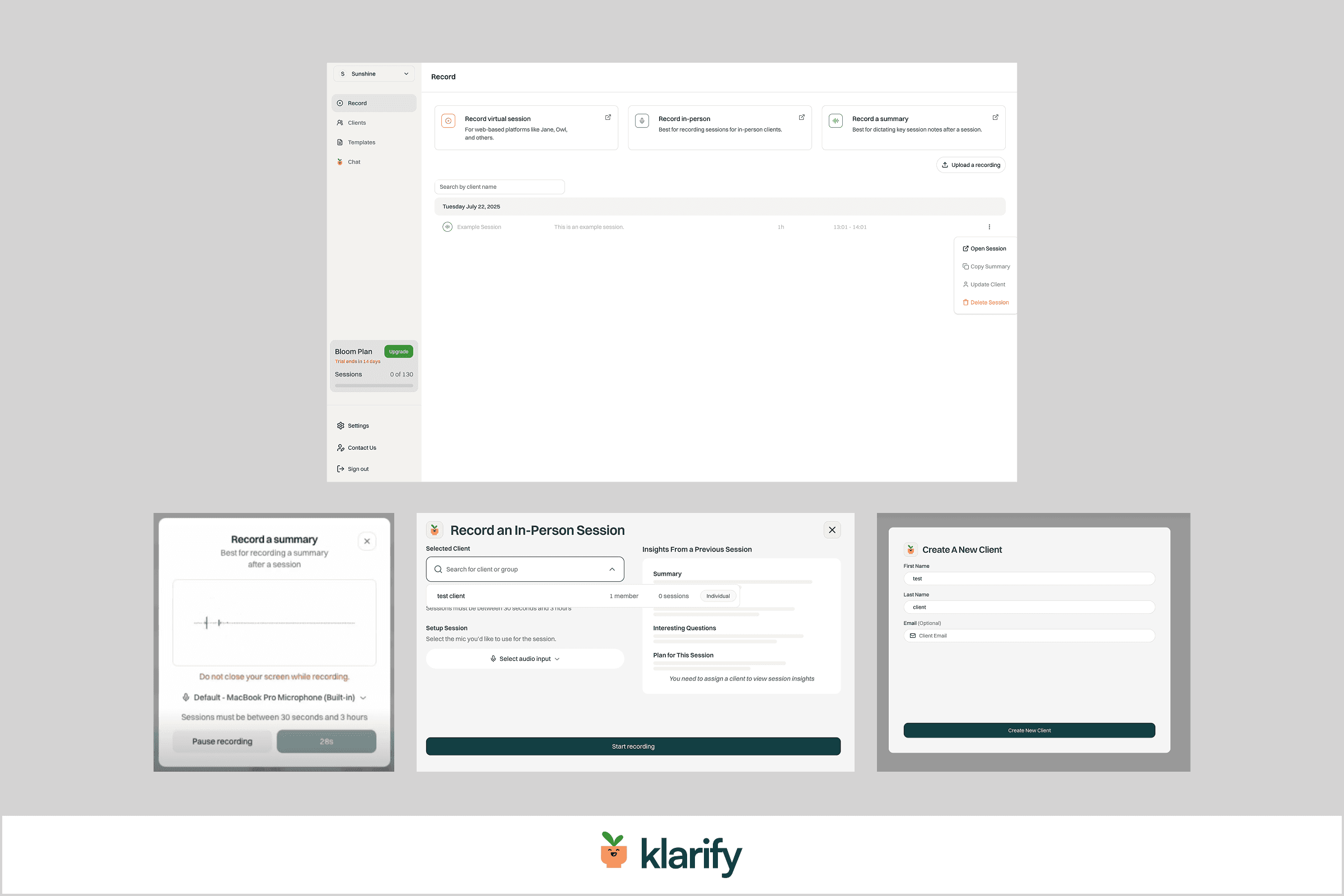
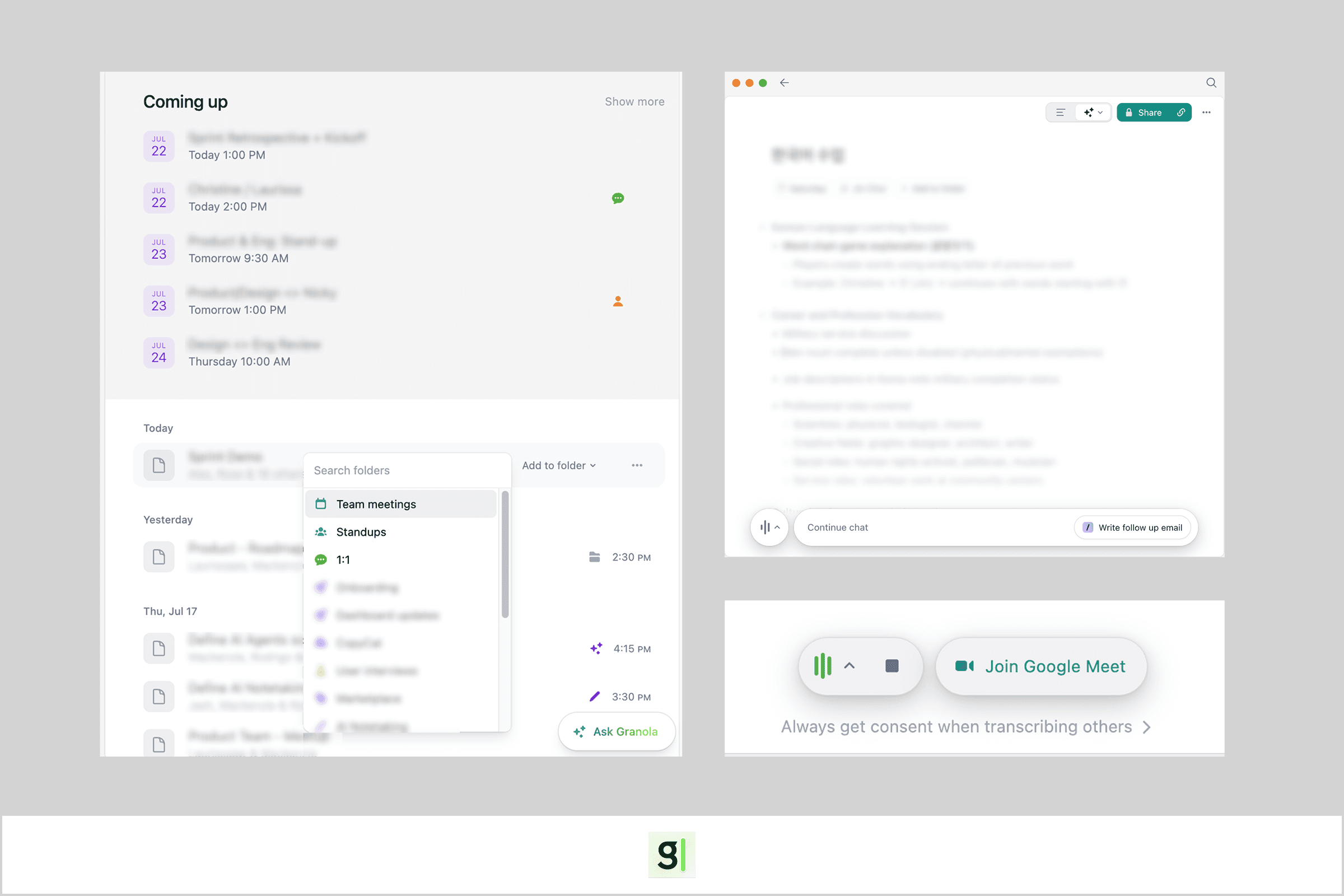
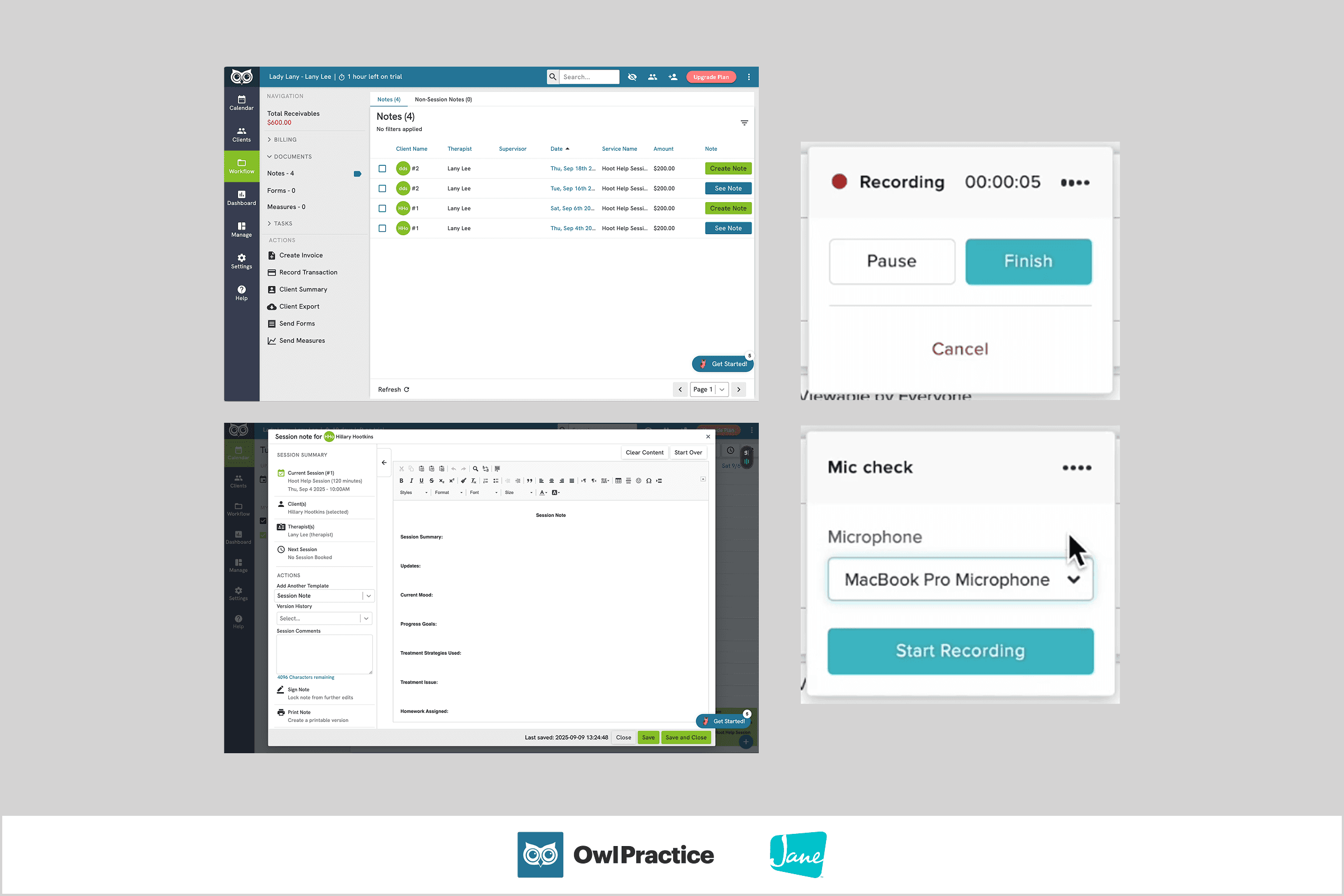
I also took inspiration from competitors:
Key Insights
1
Two distinct user types emerged
Practitioners using PlaySpace as their primary EHR might have different workflows from those using PlaySpace alongside their own EHR. Thus, each group might require different entry points for documentation flexibility.
2
Practitioners value personal ownership over their notes
Every practitioner has their own method: sparse notes vs detailed client quotes vs industry-standard templates, session prep vs no prep at all. This variety revealed 3 main design needs:
We must provide industry-standard templates out of the box, as well as support customized templates to cover all bases.
Many practitioners don't fully trust AI to handle sensitive client data, so we also needed to offer no-AI alternatives to help serve that group’s needs.
We had to clearly distinguish between the types of notes (Session Prep, Quick Notes, Transcript) to determine which ultimately influenced the final note.
3
Legal compliance is critical
This meant properly handling consent, ensuring official session notes are properly signed and locked, and addressing concerns around client data duplication (especially for practitioners juggling multiple tools/systems).
Design Iterations
Reflection
Staying grounded in user needs
Because I was working on this project alongside a platform rebuild and design system, I caught myself taking shortcuts like leaning too hard on competitor patterns. Working with our clinical advisor reminded me to slow down and prioritize real user feedback, preventing me from over-engineering solutions and unnecessarily increasing scope.
Thinking like a product designer
I owned the platform's design architecture, so I could anticipate gaps before they became problems — such as understanding where users could access their notes regardless of how they used the platform.